
How to Organise Your Property Search
Digital Portals
Searching for a property usually starts with finding the right places to look.
For most people, that means registering with the main property portals and websites that cover the type of home, land or rental property they are looking for. In the UK, this may include Rightmove, Zoopla, OnTheMarket, OpenRent, UKLandandFarms.co.uk, local estate agent websites and other specialist property sites.
Take a look at our directory for a list.
Use the Rightmove platform to set up keyword searches (e.g., “en-suite,” “garage”) or utilize the Draw A Search tool to target highly specific geographic pockets. Set up instant notifications on the Zoopla website to get real-time price drops and track local sold prices.
Property Searches, Saves & Shares
Each property website or app has its own search tools, saved searches, favourites options.
You can usually search by area, price, number of bedrooms, property type and other important details
Many property websites also let you save searches, favourite properties or return to homes you have already viewed online.
Create personalized Property Lists to categorize favorites by priority.
Property Alerts
Property alerts are one of the most useful parts of a property search.
Each property website or app has its own alert options.
Property Search, Save, Share and Alerts
They can tell you when a new property appears, when a price changes, when a rental becomes available or when a listing is updated.
This can be especially important if you are searching in a busy area, looking within a strict budget or waiting for a very specific type of property.
You might set up searches and alerts for:
- houses in a particular town
- flats near a station
- rural property with land
- farms and smallholdings
- retirement property
- rental property
- auction property
- homes within a certain price range
- properties with a garden, garage or parking
- listings from particular estate agents
Organising Your Property Search
Property Searches, Saves, Shares and Alerts are discovery tools. They help you find properties that may be worth looking at.
But they do not organise the whole search for you.
Currently, in 2026, Google AI suggests you “Create a centralized table (using Google Sheets, Excel, or dedicated companion apps) with these core categories for every property”:
- Status: (e.g., Shortlisted, Viewing Booked, Offer Made, Under Offer, Rejected).
- Property Details: Link, Address, Price, Type (Freehold/Leasehold), and Number of Bedrooms/Bathrooms.
- Property Highlights & Red Flags: (e.g., south-facing garden,Needs modernization, No off-street parking).
- Location & Commute: Proximity to work, schools, and the nearest train/tube station.
The problem with using portals alone
Property portals are excellent for finding properties, but each portal usually keeps its own saved searches, favourites and alerts.
Relying on them completely means your property search can become divided across different websites.
One property may be saved on Rightmove. Another may arrive from Zoopla. A rental may come from OpenRent. A rural property may be listed on UKLandandFarms.co.uk. Another property may be sent directly by an estate agent.
Family or friends may send links by email, text or messaging apps.
Alerts to Demo User | Last 24 hours | Last 7 days | Total |
|---|---|---|---|
OnTheMarket | 4 | 2,357 | 68,265 |
Rightmove | 0 | 208 | 4,571 |
Zoopla | 0 | 0 | 110 |
Before long, the search can become scattered. You may have:
- too many property alert emails
- too many browser tabs
- saved searches on different portals
- saved homes on different websites
- duplicate listings
- properties you have already rejected
- links from estate agents mixed with portal links
- viewing notes in a notebook or phone
- shared properties buried in message threads
- no clear shortlist
- no simple way to compare favourites
At this stage, the problem is no longer finding properties.
The problem is organising them.
Property Bookmarks
A good property search organiser does not replace the portals – it uses them intelligently.
Rightmove, Zoopla, OnTheMarket and estate agent websites are useful because they provide the listings, photographs, descriptions, floorplans, maps, agent details and contact options. Those original sources are very important.
The difficulty is keeping track of the properties once they start arriving from many different places.
That is where Property Bookmarks fits.
Property Bookmarks is a private workspace for organising your property search.
It helps you collect, save, view, sort, compare and share properties from different sources without losing the original listing.
The portals help you find properties.
Property Bookmarks helps you organise your search and keeps track of the properties no matter where they are.
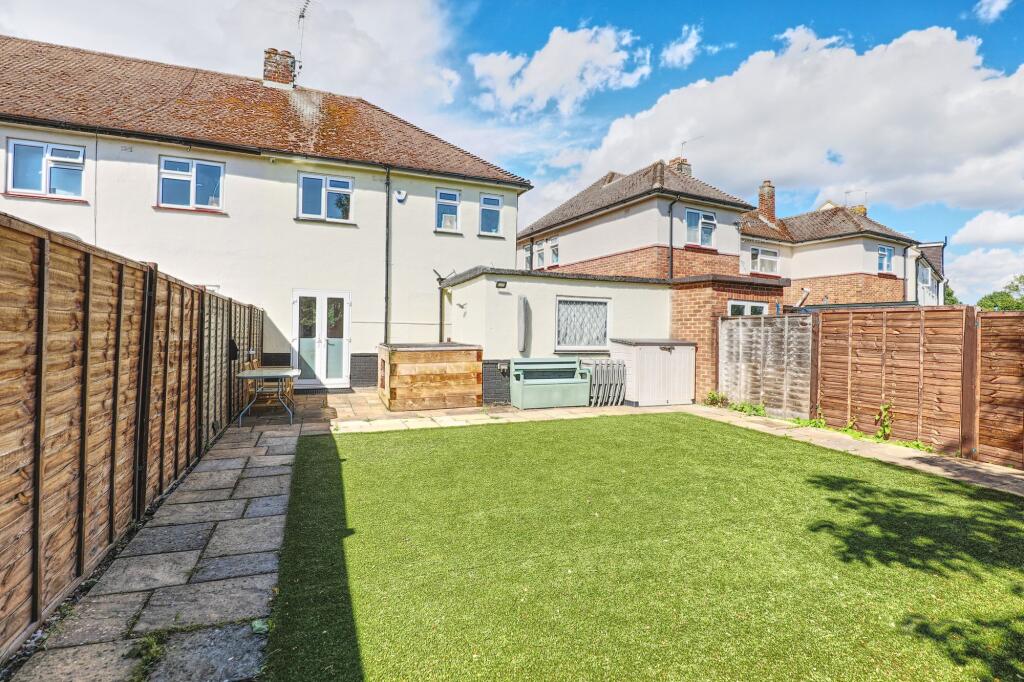



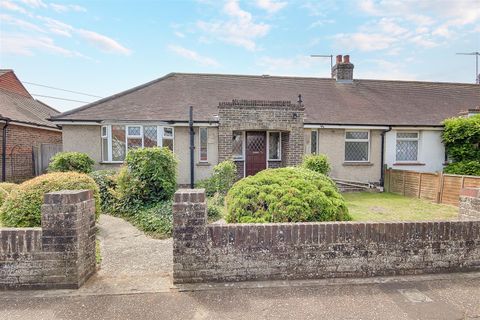
.png)
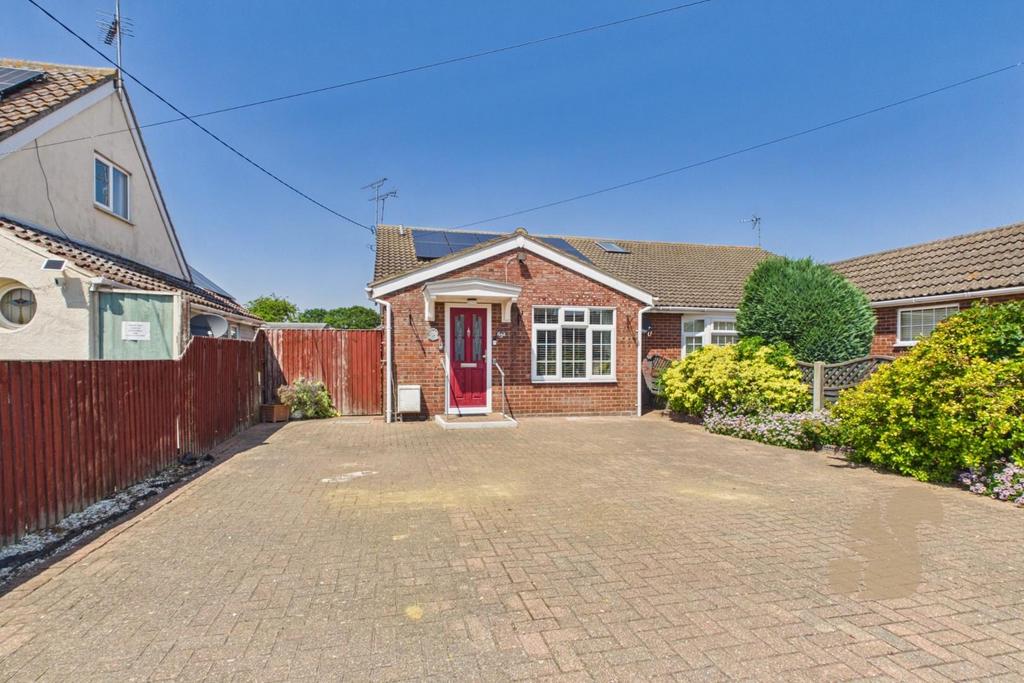

Property Search Tracker
The first step in organising a property search is to avoid spreading everything across too many places.
Instead of relying on memory, browser tabs, emails and separate portal favourites, Property Bookmarks helps to have one workspace where the properties you care about can be collected.
This is especially useful during a serious home hunt, when you may be checking several portals, receiving alerts, comparing locations and discussing options with other people.
A spreadsheet can do this, but it takes work. You have to copy links, paste prices, add addresses, make notes and keep everything updated yourself.
Organise properties by decision stage
A property search is not just building a list of property ads. It is a decision process.
Property Bookmarks gives you a more direct way to build a property search workspace.
You can use it to keep track of properties that are new, interesting, possible, favourite, rejected or archived. This makes the search easier to review and much easier to return to later.
Some properties are only mildly interesting. Some are worth investigating. A few become serious favourites. Others should be hidden or archived so they do not keep distracting you.


- Inbox – freshest properties to review into 10 groups – in the online demo just 3 groups are shown
- Group 1 – Interesting properties
- Group 2 – Possible properties
- Group 3 – Favourite properties
- Archived properties
- Hidden properties
This is much clearer than one long list.
Property Bookmarks lets you move properties into up to 10 useful groups, so the search becomes more organised over time.
Instead of repeatedly reviewing the same mixed list, you can focus on the properties that still matter.
Keep the original property source
When organising a property search, it is important to keep the original listing link.
The original listing contains the full description, photographs, floorplan, brochure, map, agent details, viewing options and important legal or tenancy information.
Property Bookmarks does not try to replace Rightmove, Zoopla, OnTheMarket, OpenRent, estate agent websites or other property sources.
Instead, it helps you recognise the property, organise it and return to the original listing when you need the full details.
Save the details that help you compare homes
When you are comparing properties, the most useful information is often quite practical.
Important details are:
- title
- price
- location
- postcode
- property status
- estate agent
- original listing link
- main image
- notes
- viewing comments
- reasons for keeping or rejecting the property
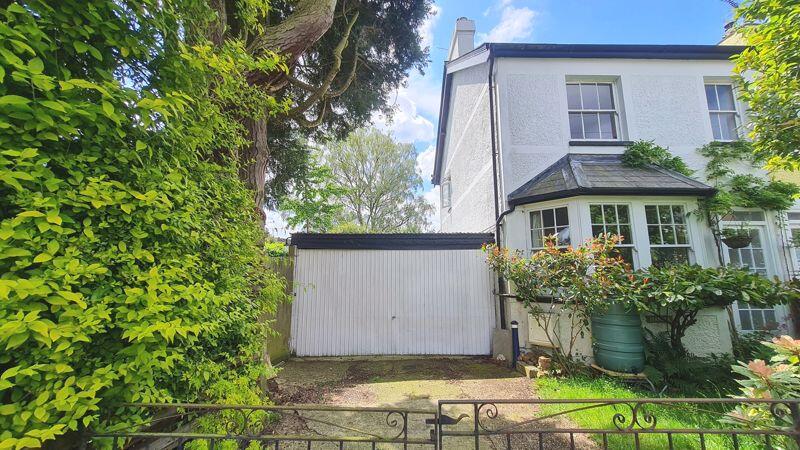

These details help you recognise and compare properties without being overwhelmed.
Property Bookmarks is built around this practical approach. It helps you keep enough information to organise the search, while still linking back to the original listing for the full property details.
Make notes while the property is fresh in your mind
It is easy to think you will remember every property.
But after a few days of searching, several houses, flats or rentals can start to feel very similar. After a few viewings, it becomes even harder to remember which property had the good garden, which one needed a new kitchen and which one had the awkward location.
Useful notes might include:
- good garden but noisy road
- possible damp near the back wall
- excellent location
- too far from the station
- needs modernisation
- small third bedroom
- agent said offers already received
- worth a second viewing
- check broadband
- check lease length
- parking may be difficult
- strong possibility if price drops
Notes make the search more realistic.
They help you remember why a property was interesting, why it was rejected or what you need to check next.
Compare location as well as the property
A property search is not only about the building.
The location can matter just as much as the house, flat or land itself.
When organising your search, it helps to compare:
- distance to work
- nearby stations
- local shops
- schools
- road noise
- parking
- broadband availability
- mobile signal
- nearby towns
- public transport
- walking routes
- distance from family or friends
Property Bookmarks helps you keep properties together with their location details, so you can return to the map and the original listing when comparing areas.
This is useful when your house hunt covers more than one town, village or region. It helps you compare the location as well as the property itself.
Key Financials
To keep your budget under control, track the following financial milestones:
- Asking Price vs. Estimated Value: Monitor local historical data using Zoopla’s house price data.
- Stamp Duty: Use the Rightmove Stamp Duty Calculator to factor in upfront costs.
- Mortgage: Record your estimated monthly payments and ensure you have an Agreement in Principle (AIP) ready to present to estate agents.
Share shortlisted properties clearly
Many property searches involve more than one person.
You may be searching with a partner, family member, friend, buyer, seller, tenant or colleague. Sharing individual links by email, text or messaging apps can quickly become confusing.
One person sends a Rightmove link. Someone else sends an estate agent link. Another person replies with a different property. Soon the whole conversation is full of scattered links. A better approach is to create a clearer shortlist.
Property Bookmarks helps you organise properties into groups so selected homes can be reviewed and shared more easily. Instead of sending disconnected links, you can build a more useful view of the properties you are considering.
Keep rejected properties out of the way
Rejecting properties is part of organising the search.
A property may be too expensive, too small, too far away, badly located or simply not right. But if it keeps appearing in alerts or saved searches, it can waste attention.
A good property search organiser should let you move rejected properties out of the main view without losing the record completely.
This can be useful because your opinion may change later. A price reduction, new photo, different location priority or second opinion might make a rejected property worth another look.
Property Bookmarks helps keep your main search clear while still allowing you to preserve useful history.
When a spreadsheet is useful
A spreadsheet can still be useful for some property searches.
It gives you complete manual control. You can create your own columns, scores, calculations, budgets, viewing ratings and renovation estimates.
When you visit properties, standardize your impressions to make comparisons easier later:
- Condition: Roof age, boiler health, damp/mold, and potential renovation costs.
- Environment: Noise levels, mobile signal strength, and broadband speeds.
- Space: Take measurements for your larger furniture and evaluate square footage.
- mortgage estimates
- stamp duty
- solicitor costs
- renovation budgets
- survey results
- offer history
- viewing scores
- travel times
- detailed comparisons
But many people do not want to maintain a spreadsheet while they are actively searching.
They simply need a practical way to collect, organise, review and share properties during their home hunt.
That is where Property Bookmarks is useful.
Property search workflow
Here is a practical way to organise your property search:
- Register with Property Bookmarks to get an email address to use specifcally for your search.
- Register with the property portals and websites that matter for your search.
- Set up saved searches by area, price, property type and other important criteria.
- Create property alerts so new listings and updates reach you quickly.
- Review incoming alerts regularly.
- Save interesting properties into Property Bookmarks.
- Move properties into useful groups such as Interesting, Possible or Favourite.
- Add notes after reviewing or viewing each property.
- Keep rejected properties out of the main search.
- Share selected properties with the people involved in your search.
- Return to the original listing when you need the full details.
This gives your search a structure.
The aim is not just to find more properties.
The aim is to stay organised enough to make better decisions.
Organise your property search with Property Bookmarks
Property Bookmarks helps you save, view and organise your property search in one place.
It is designed for people who are receiving property alerts, checking portals, comparing homes, saving links and sharing possibilities with others.
You can use Property Bookmarks to:
- collect property alerts
- save property links
- organise homes into groups
- track favourites
- add notes
- compare properties
- return to the original listing
- view property locations
- share shortlisted properties
- keep rejected properties out of the way
- manage your search from one private workspace
Property portals are excellent for finding homes.
Property Bookmarks is for organising the search once the properties start arriving.